DataFleet Mobile App

The easiest and fastest way tounlock your machine data

Get real-time insights into your industrial equipment with the DataFleet mobile app. Connect to your devices and instantly visualize machine data—no complex setup required.

What is DataFleet?

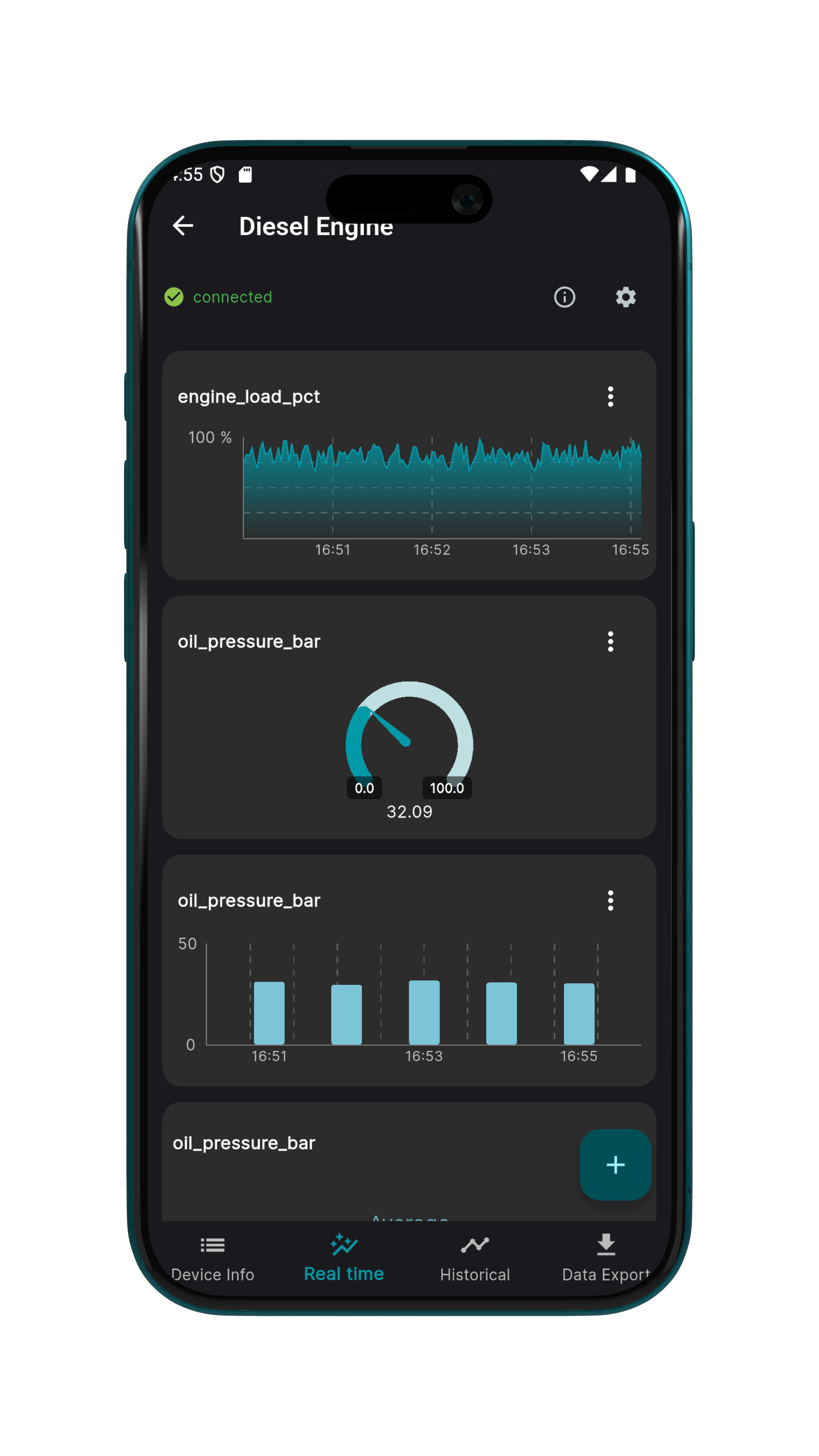
DataFleet provides a mobile app to visualize realtime- and historical data from your machine. The easiest remote monitoring solution to build and adjust your dashboard on your mobile phone, at anytime anywhere.

App Screens

A closer look at DataFleet's clean and intuitive interface.
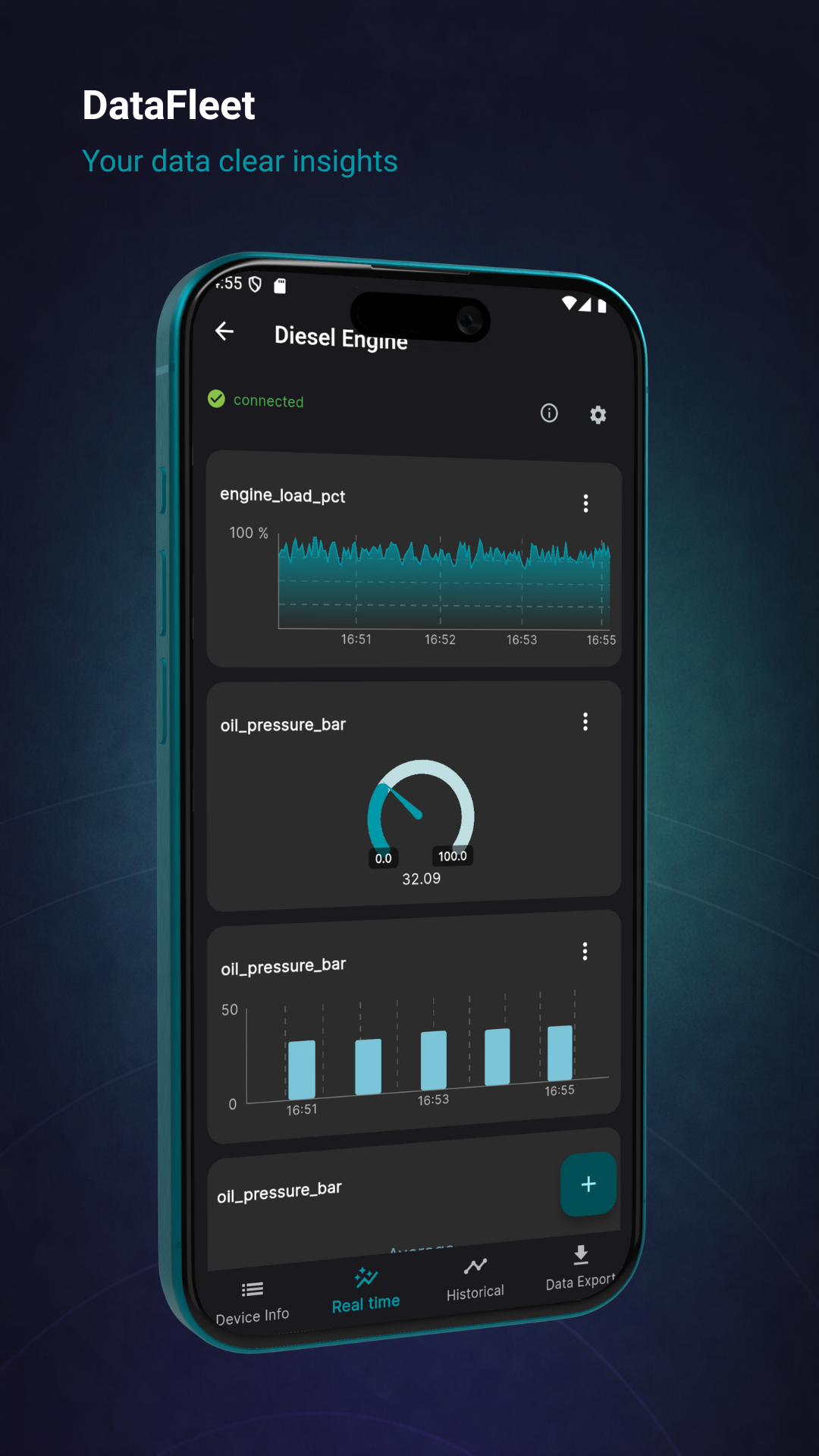
DataFleet App - Login Screen
DataFleet App - Dashboard
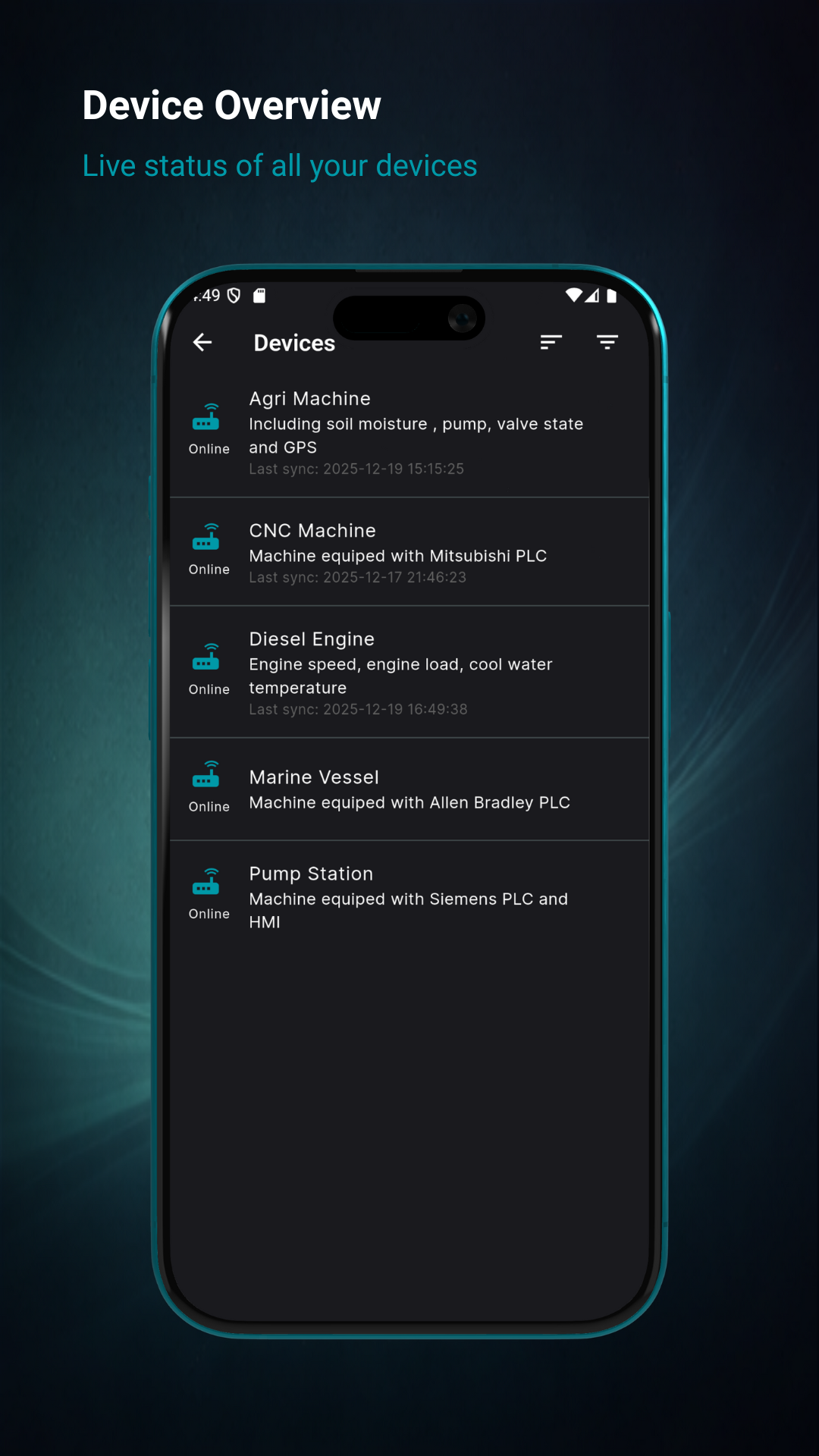
DataFleet App - Device List
DataFleet App - Chart View
DataFleet App - Settings
DataFleet App - Detail View

Features

Explore the capabilities that make DataFleet the most beautiful and easy to use app to visualize your machine data.

Compatible with Ewon

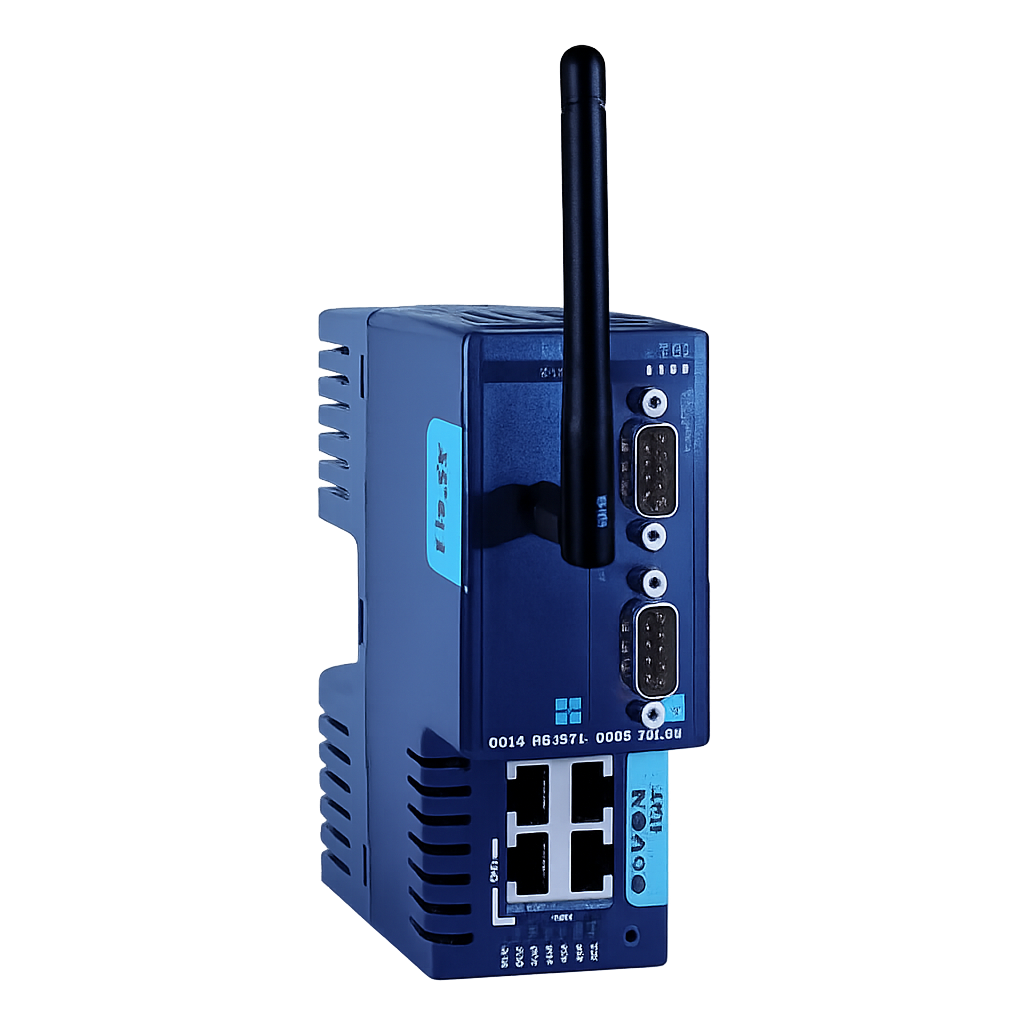
Direct integration with Ewon Flexy series for industrial data collection

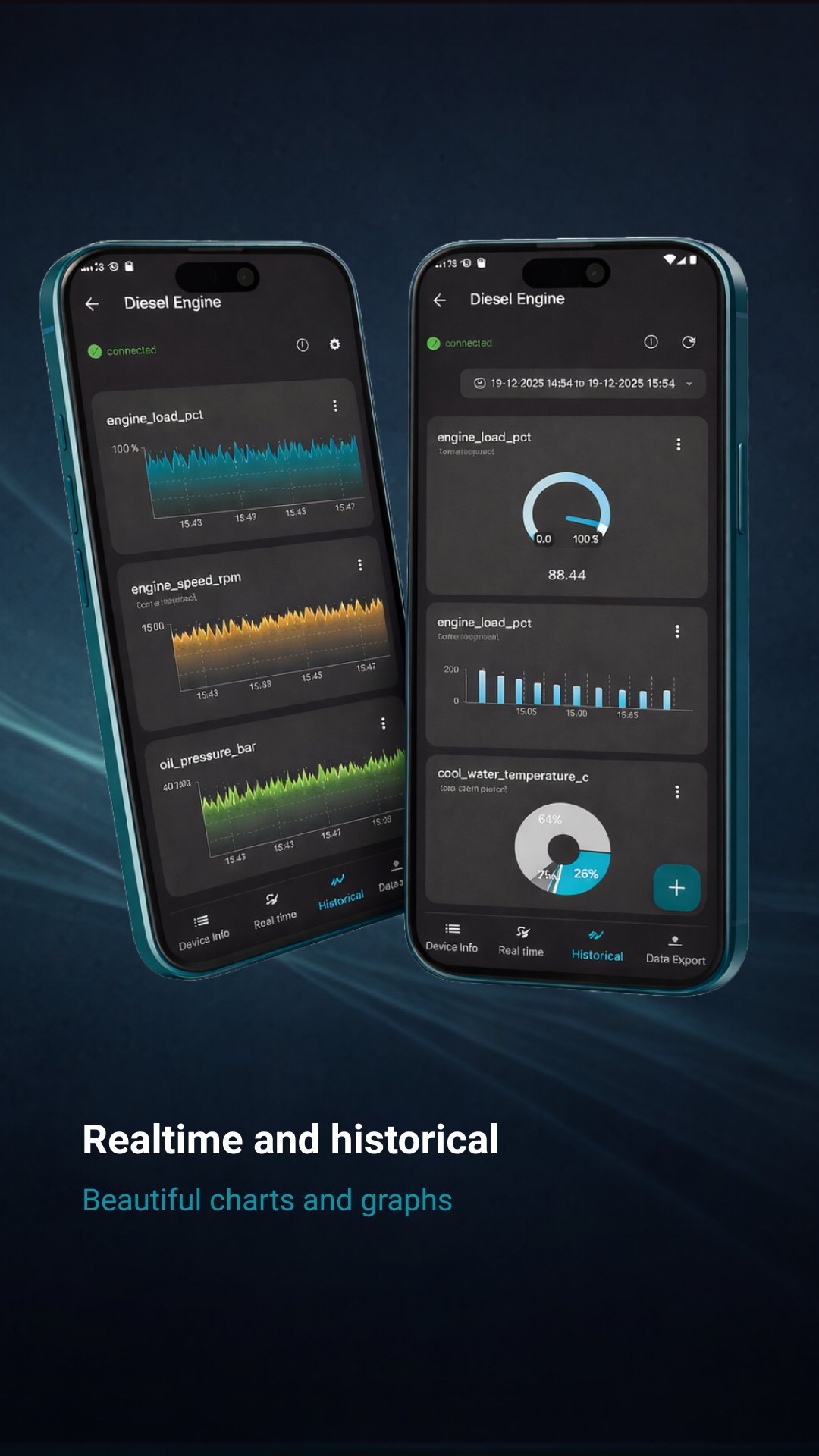
Real-time and Historical Data

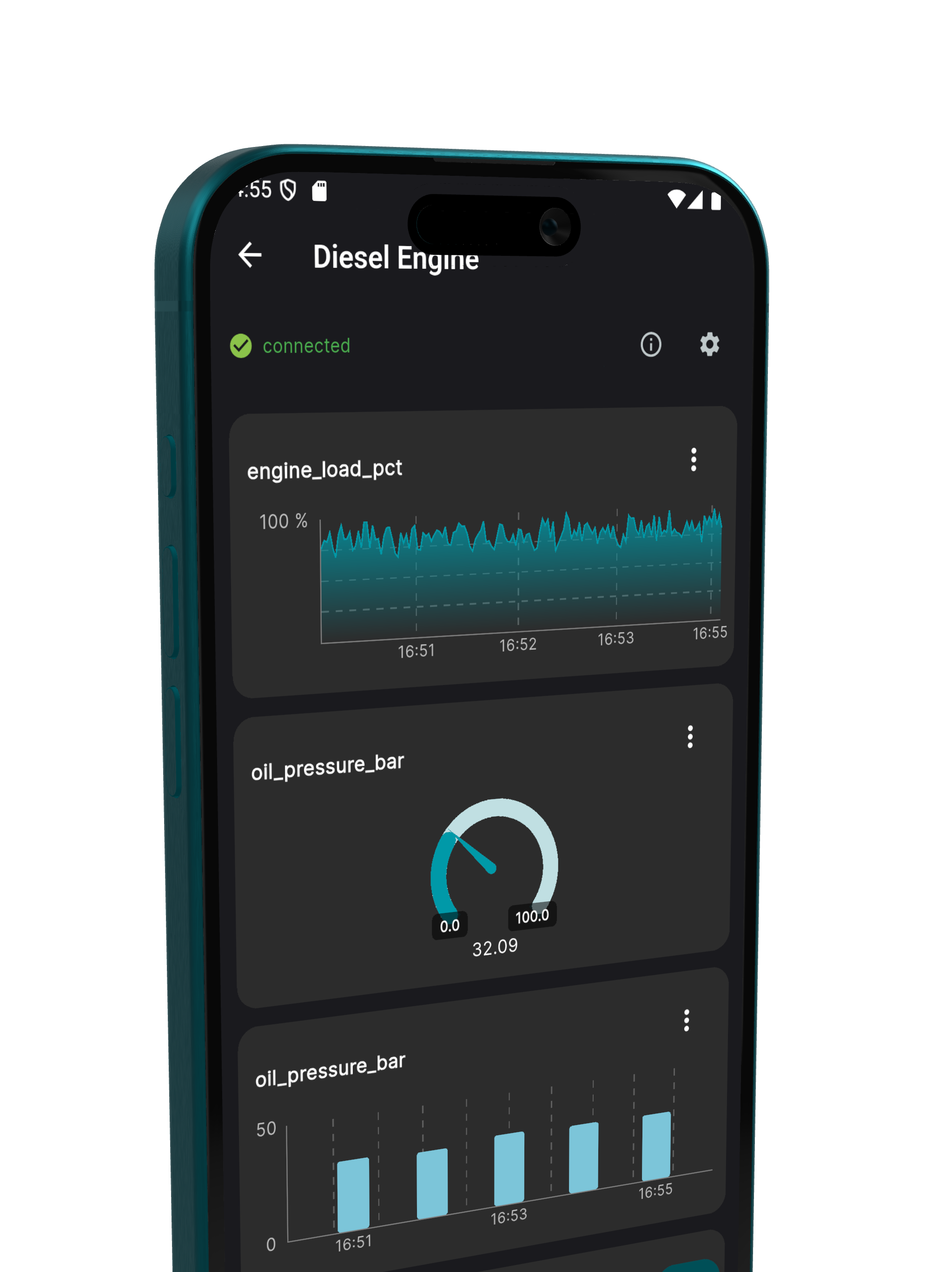
Analyze live and historical data from your equipment

Data Visualization

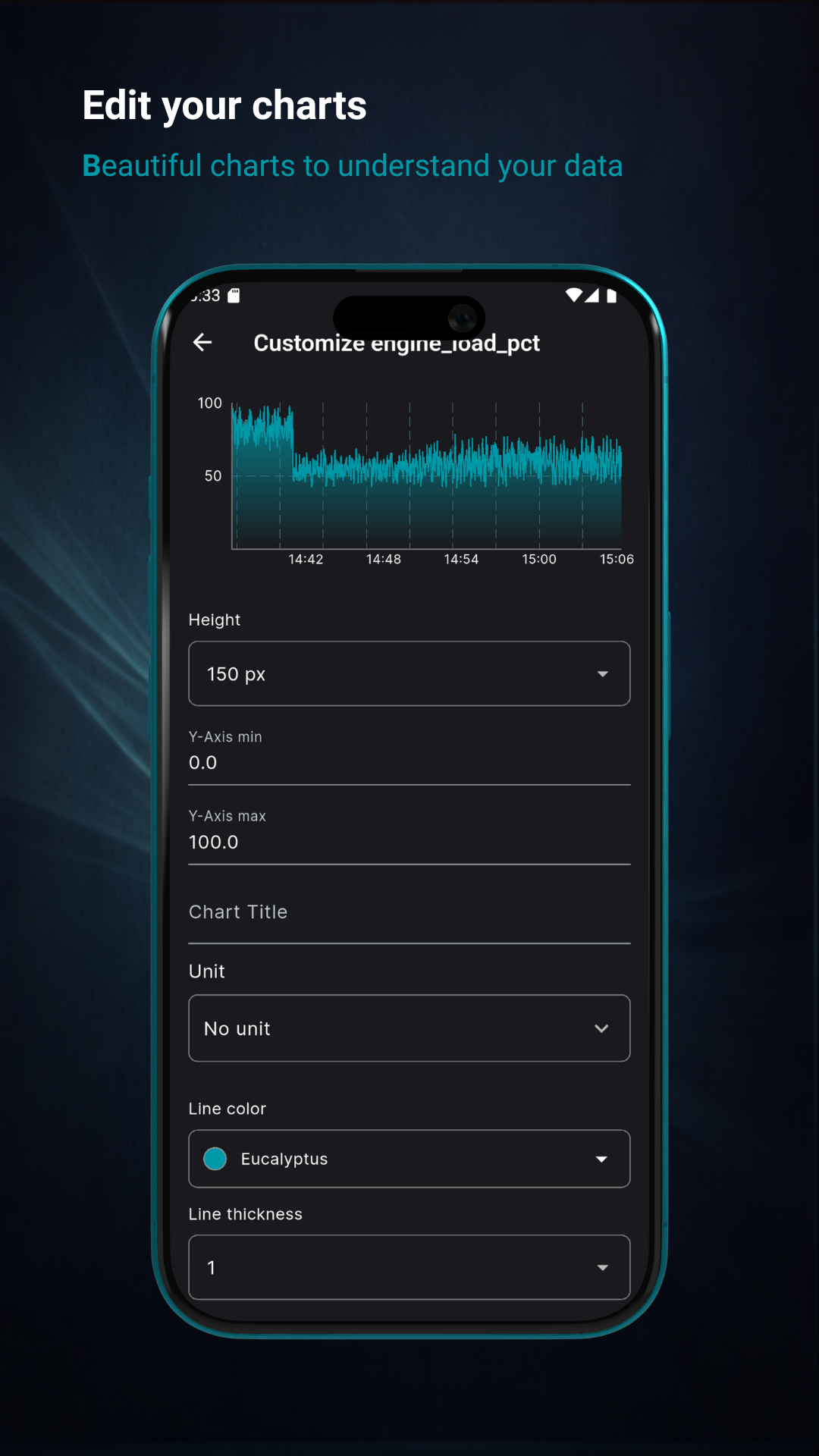
Create beautiful charts and graphs to understand your data

Custom Dashboards

Build personalized dashboards tailored to your needs

Alarm Visualization

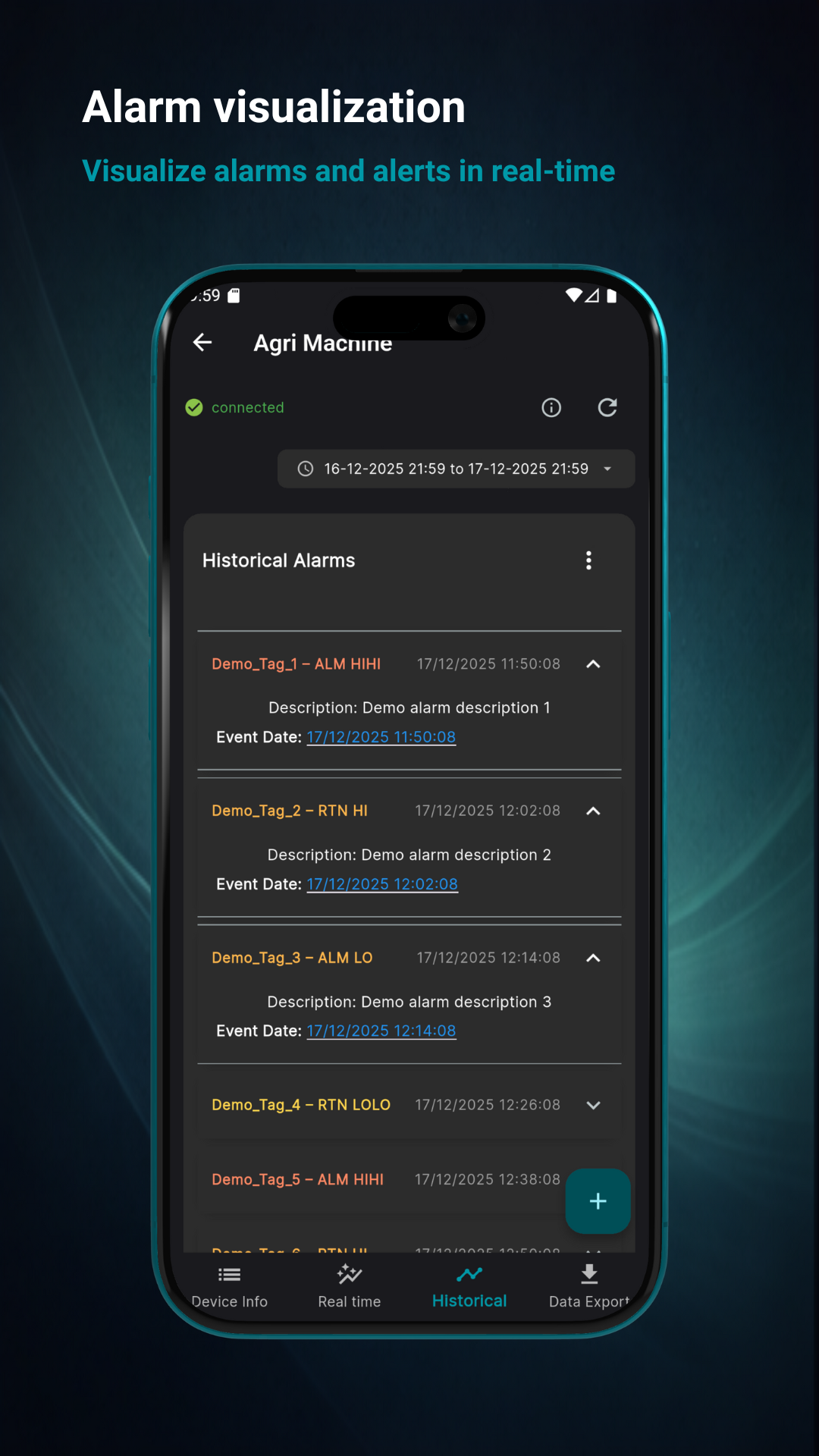
Monitor and visualize alarms and alerts in real-time

Data Export

Export your data in various formats for external analysis

How It Works

DataFleet connects seamlessly with Ewon Flexy gateways using the public Talk2M / M2Web cloud service to visualize your machine data.

Your data remains on your Ewon device and is not stored on DataFleet servers. Data is available as long as a secure connection with your Ewon device is active, ensuring privacy and full control over your machine data.

Get Started in 4 Simple Steps

1

Create Your DataFleet Account

Login and setup your eWon devices. Start with a trial or activate your device

Create your DataFleet account
Login to the portal
Setup your eWon devices
Start with a trial or activate device
2

Download the App

Download the DataFleet app from the iOS App Store or Google Play Store

Available on iOS and Android
Free to download
Quick and easy installation
Works on smartphones and tablets
3

Configure Tags on Your Ewon

Setup Realtime and/or Historical tags in your eWon device

Configure realtime data tags
Set up historical data collection
Connect to your PLC
Define data collection intervals
4

Create Charts & Monitor Data

Open DataFleet app and directly create charts from your machine data

Connect to your eWon device
Select data tags to visualize
Create custom charts and graphs
Monitor real-time and historical data

Simple, TransparentPricing

Simple, transparent pricing with everything you need to monitor your machines. Start with a free trial, no credit card required.

14-day free trial • No credit card required
Most Popular

DataFleet

Complete machine monitoring solution with real-time and historical data visualization

€199per device
14-day free trial
  • Real-time data streaming
  • Historical data streaming
  • Data export functionality
  • Interactive dashboards
  • Mobile app access
  • eWon Flexy integration
  • Custom charts and visualizations

Frequently AskedQuestions

Everything you need to know about DataFleet.

What is DataFleet?

DataFleet is a mobile visualization tool that helps you collect, process, and analyze industrial data at scale. Our platform specializes in data acquisition from industrial gateways—particularly Ewon Flexy devices—and provides both real-time and historical data streaming capabilities.

Is DataFleet part of Ewon or HMS Networks?

No. DataFleet is an independent application developed by DataFleet.com and is not affiliated with, sponsored by, or endorsed by HMS Networks AB or Ewon.

I don't see any real-time or historical tags. What should I do?

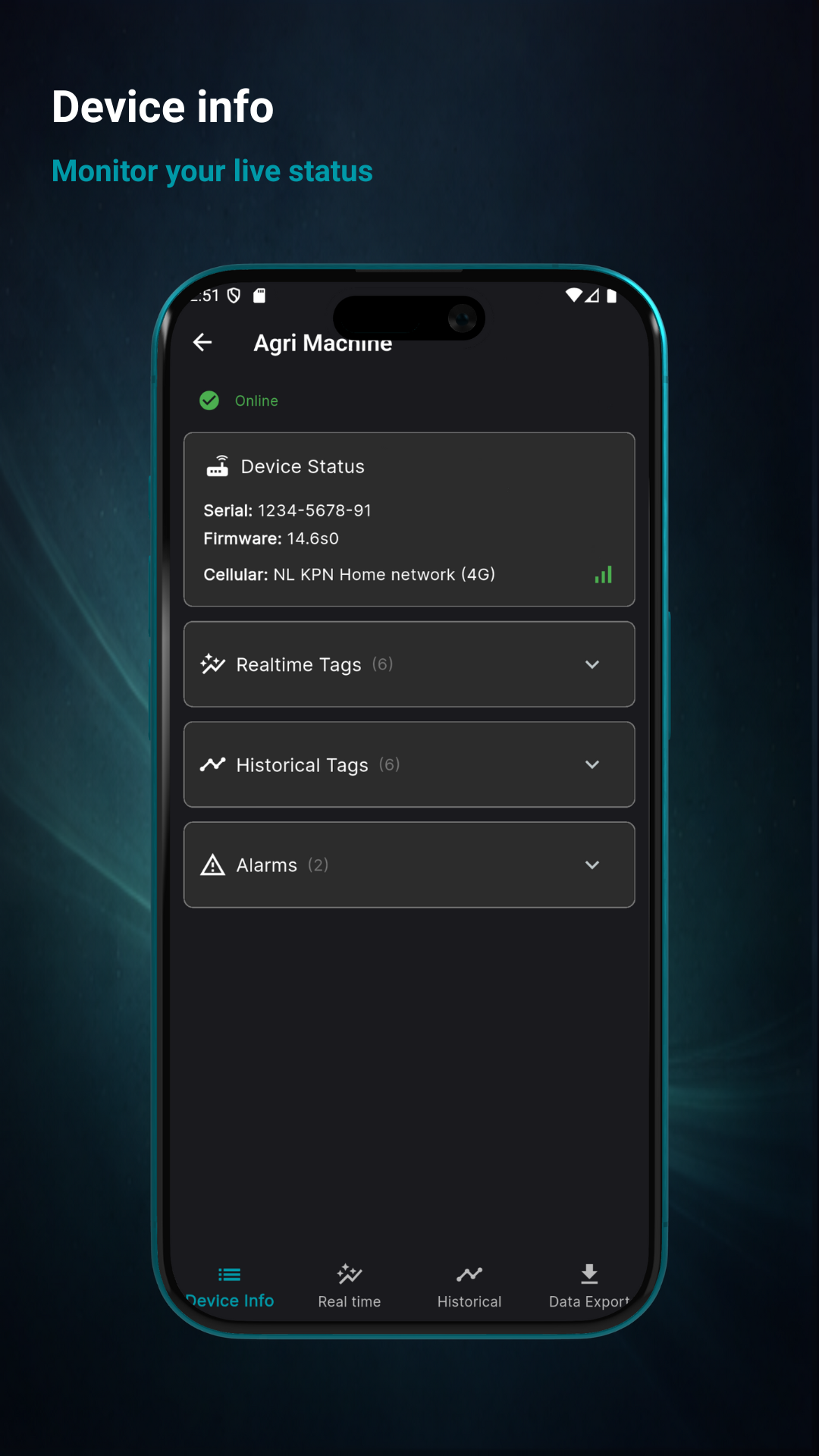
First, make sure the tags are correctly configured on your Ewon device and that Historical Logging and/or Real-Time Data is enabled. After the tags are added to your Ewon device, they will automatically appear in the DataFleet app under the Device Info screen. From there, you can add charts in the Real-Time and Historical screens.

How do I add signals (tags) in DataFleet?

You must first create and configure the tag on your Ewon device and enable Historical Logging and/or Real-Time Data. Carefully select the appropriate logging interval, time span, and deadband, as these settings affect data quality and storage. Once configured, the tags will automatically appear in the DataFleet app under Device Info, where you can add them to charts in the Real-Time or Historical screens. For official instructions on configuring tags on Ewon devices, please refer to the HMS Networks documentation: https://help.ewon.biz

How much data can be stored?

DataFleet displays data that is stored in the internal memory of the Ewon device. For official information about Ewon storage capacity, please refer to HMS Networks documentation: https://support.hms-networks.com/hc/en-us/articles/7853144638226-How-much-data-can-be-stored-with-historical-logging-of-an-Ewon-Flexy

Do I need an Ewon device to get started?

No. You can start using the DataFleet app immediately after setting up an account. Just download the app and start using the Demo account, even without an Ewon device.

How does pricing work?

DataFleet offers a simple pricing model of €199 per device, which includes all available features: Real-time data streaming, Historical data streaming, and Data export. Each device subscription includes a 14-day free trial, and no credit card is required to start.

Is there a free trial?

Yes! DataFleet includes a 14-day free trial with full access to all features. No credit card is required.

What happens after the free trial?

After the 14-day trial period, you can continue using DataFleet for €199 per device.

Do you offer refunds?

Yes. We offer a 30-day money-back guarantee on all paid plans. If you're not satisfied, contact us within 30 days for a full refund.

What devices are supported?

DataFleet works with Ewon Flexy devices. Pricing is €199 per device.

Can I cancel at any time?

Yes. You can cancel your subscription at any time by deleting the device from your account. Once removed, the device will no longer be active or billed.

Still have questions?

Our support team is here to help. Get in touch and we'll get back to you within 24 hours.

Ready to get started?

Download the DataFleet app and begin visualizing your machine data today.