From account setup to Ewon activation in minutes.
Estimated time: 10-15 min
Before you start, make sure you have the following:
Goal: You can log in and access the DataFleet dashboard.
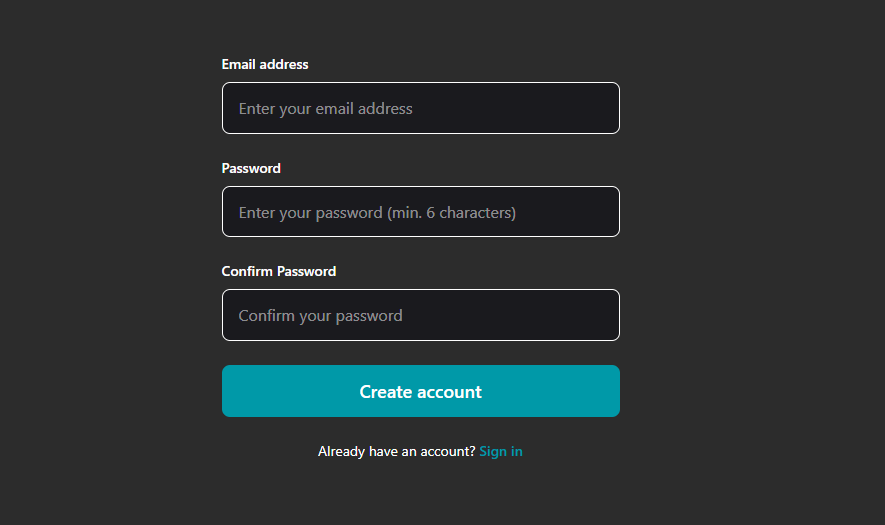
1. Click Get Started in the top-right corner and create your account.
2. Check your email and click Verify Email.
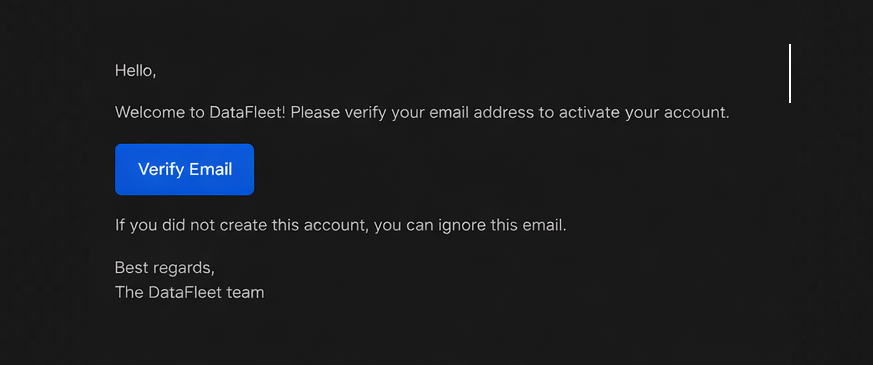
If not received, check spam/junk and resend from the sign-up/login page.
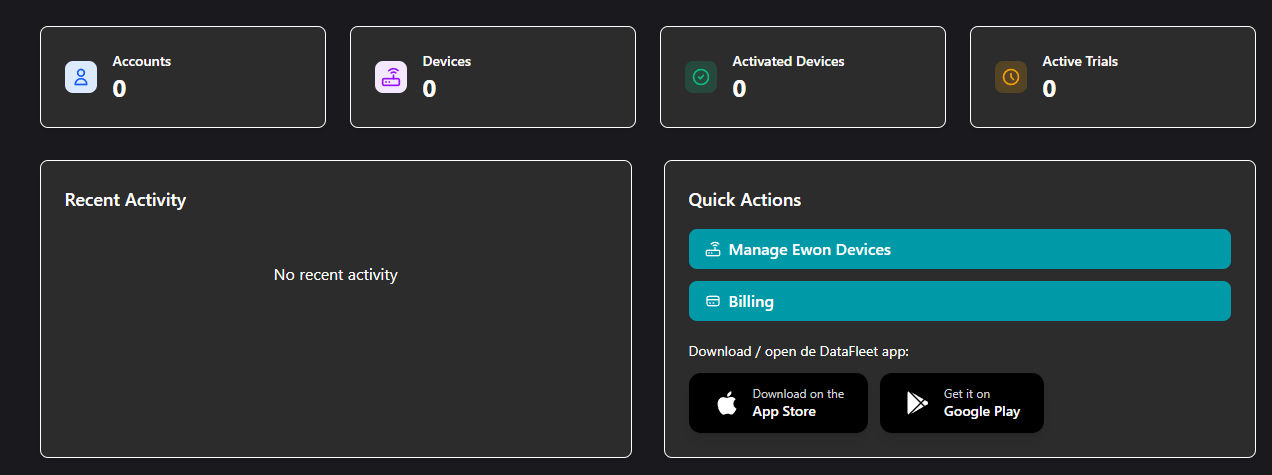
3. After successful verification/login, the DataFleet dashboard opens.
Goal: Your Ewon moves to the Active section in DataFleet.
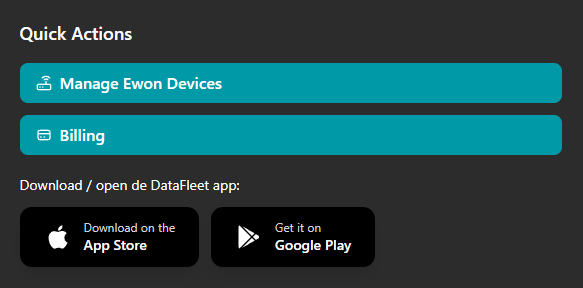
1. In the dashboard, click Manage Ewon Devices.
2. Click Add Account.
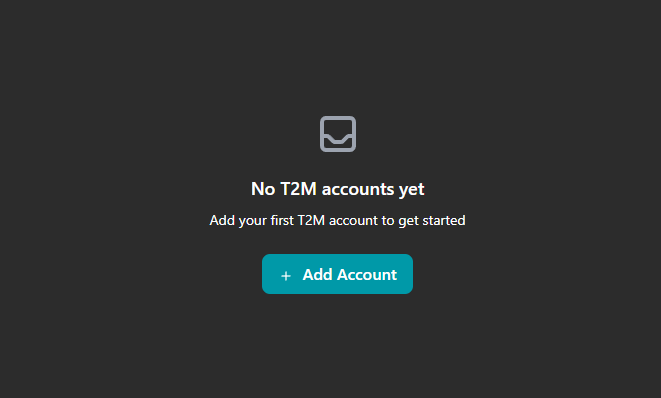
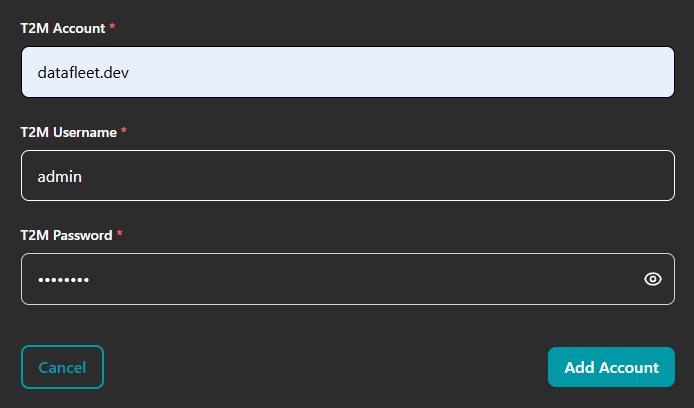
3. Enter your Talk2M account credentials and submit.
4. Open the added account to view devices.
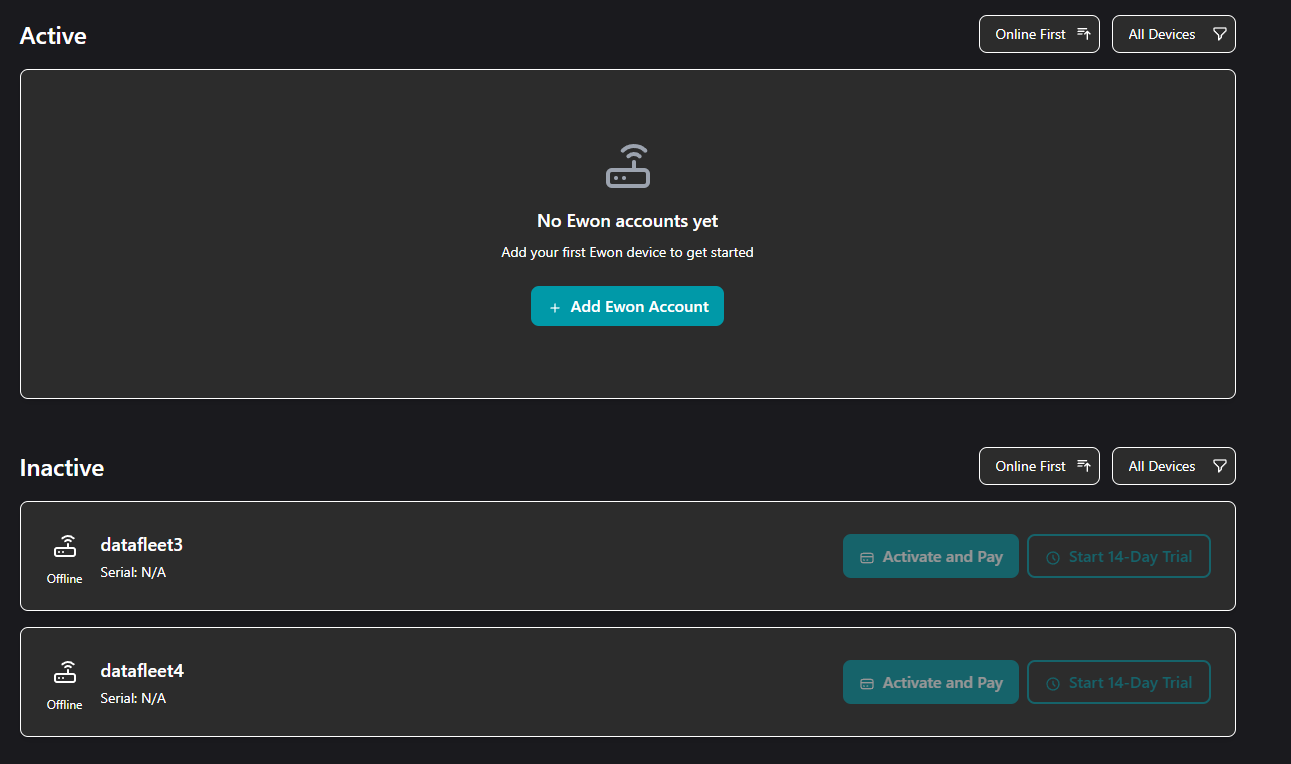
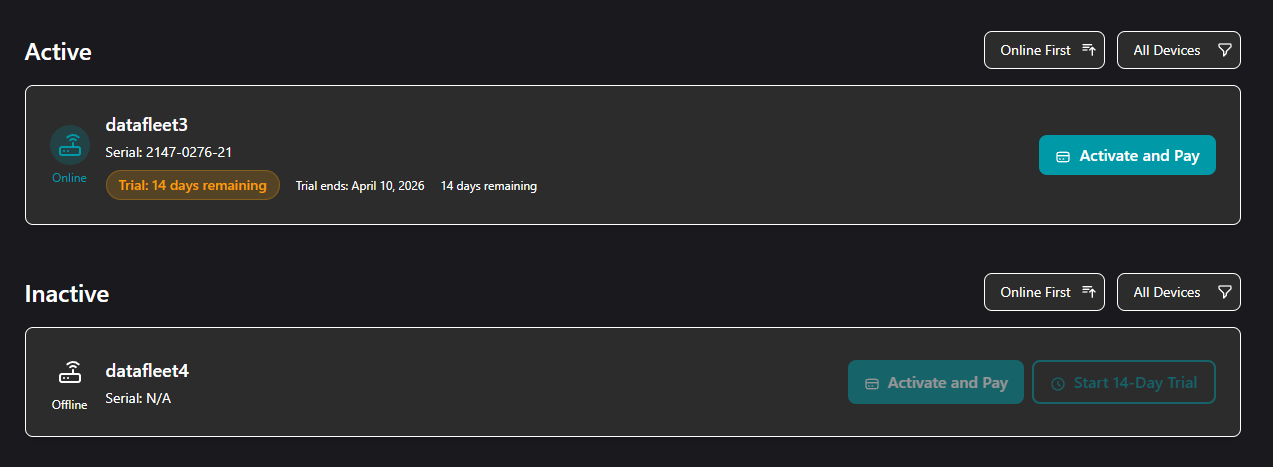
5. Devices are initially listed under Inactive. Click Activate and Pay or Start 14-Day Trial on the device you want to activate.
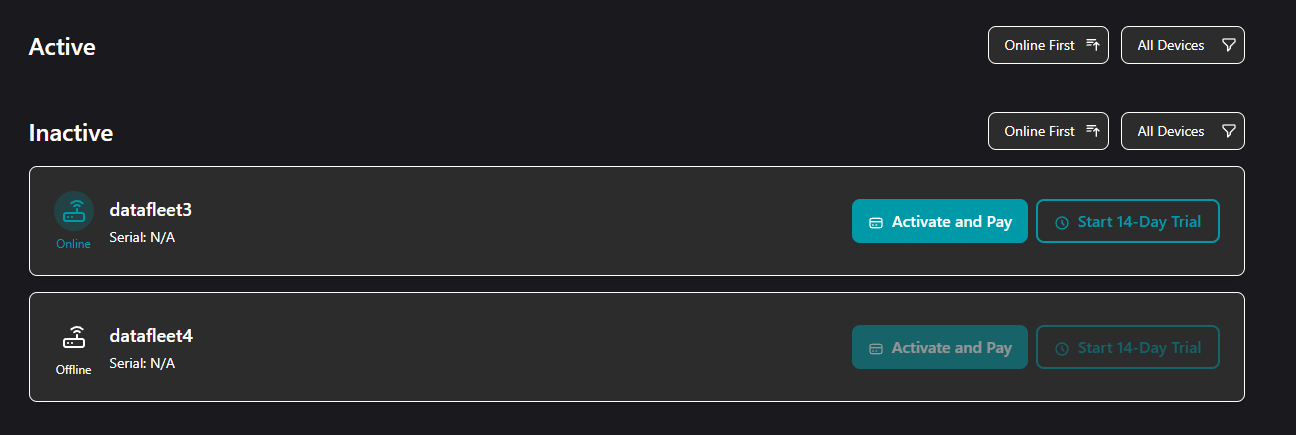
Important note: The target Ewon must be online (green status).
6. You will be prompted to enter Ewon device credentials.
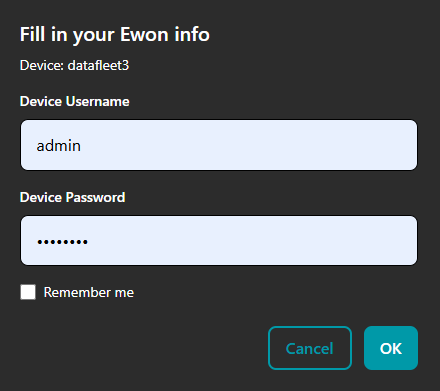
7. After successful activation, the device appears in the Active section.
Goal: You can display real-time values for your device and understand where tags appear.
1. Go to the Appstore of Google Play to download the DataFleet app. Click here.
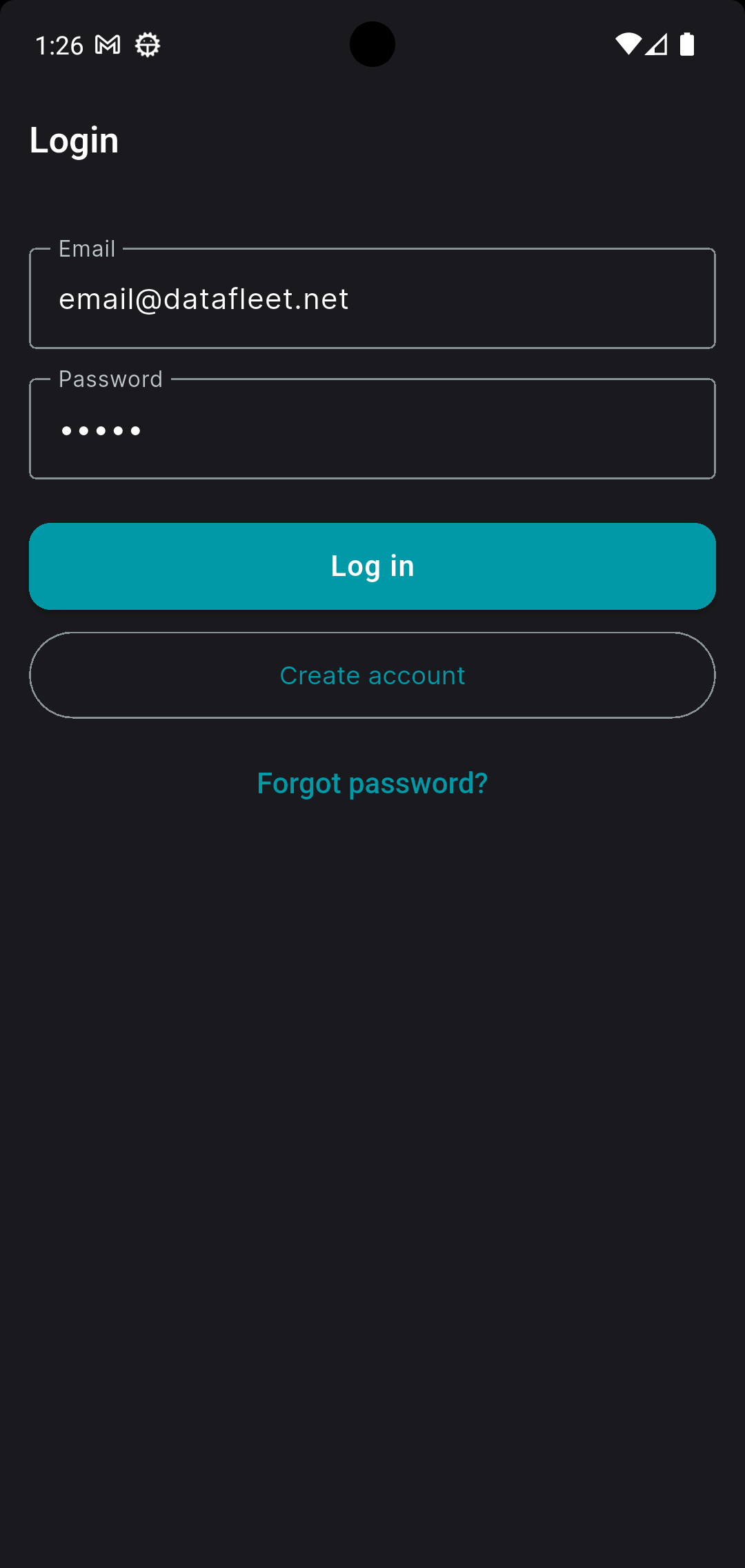
2. Open the DataFleet app and log in with your DataFleet account.
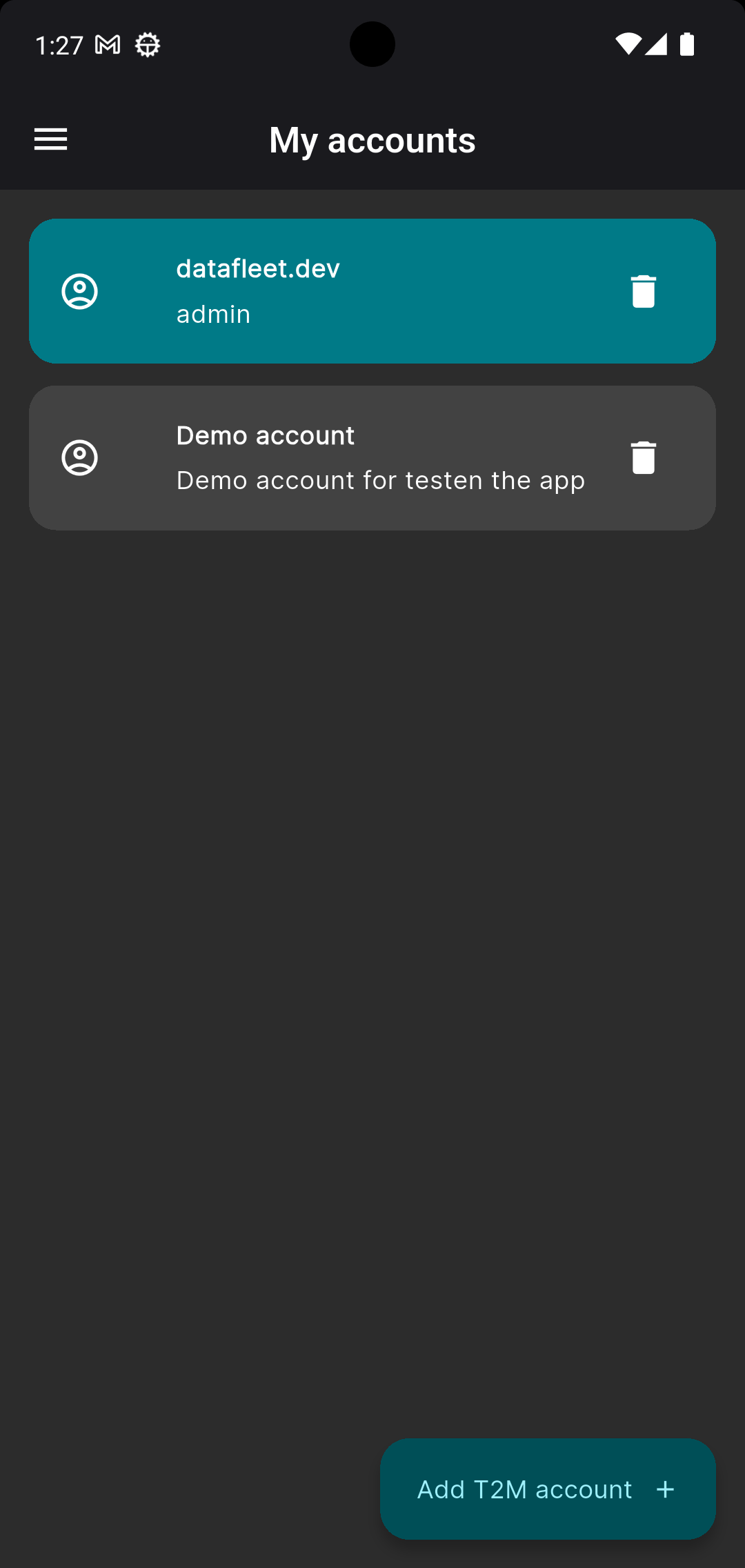
3. The home screen shows your Talk2M accounts. Click your account (or demo account if you have not added yours yet).
4. Click the Ewon you just activated to open the device screen.
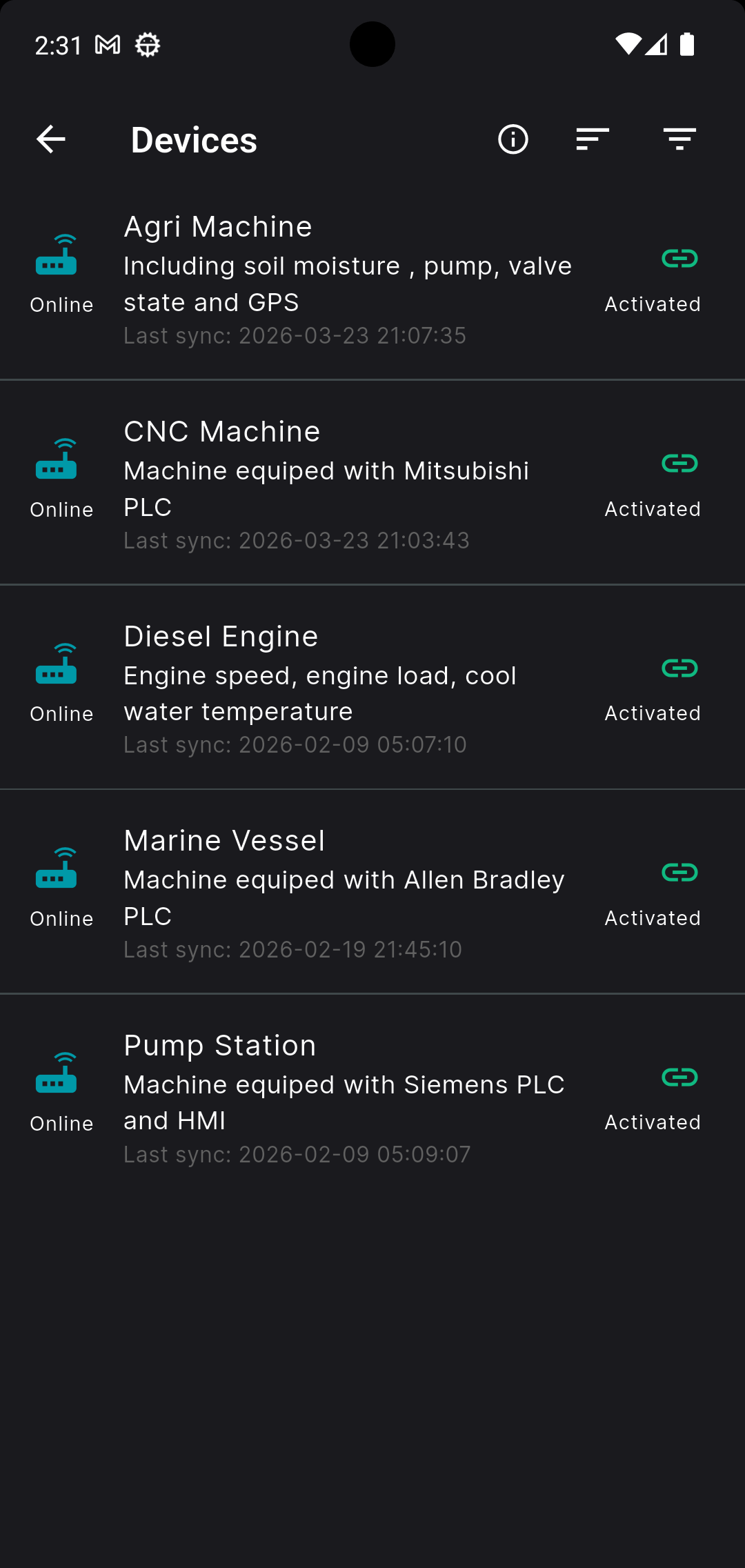
The device icon on the left shows Ewon status (online blue / offline grey). The icon on the right shows activation status in DataFleet (active green / inactive grey).
5. Click Realtime in the bottom navigation bar.
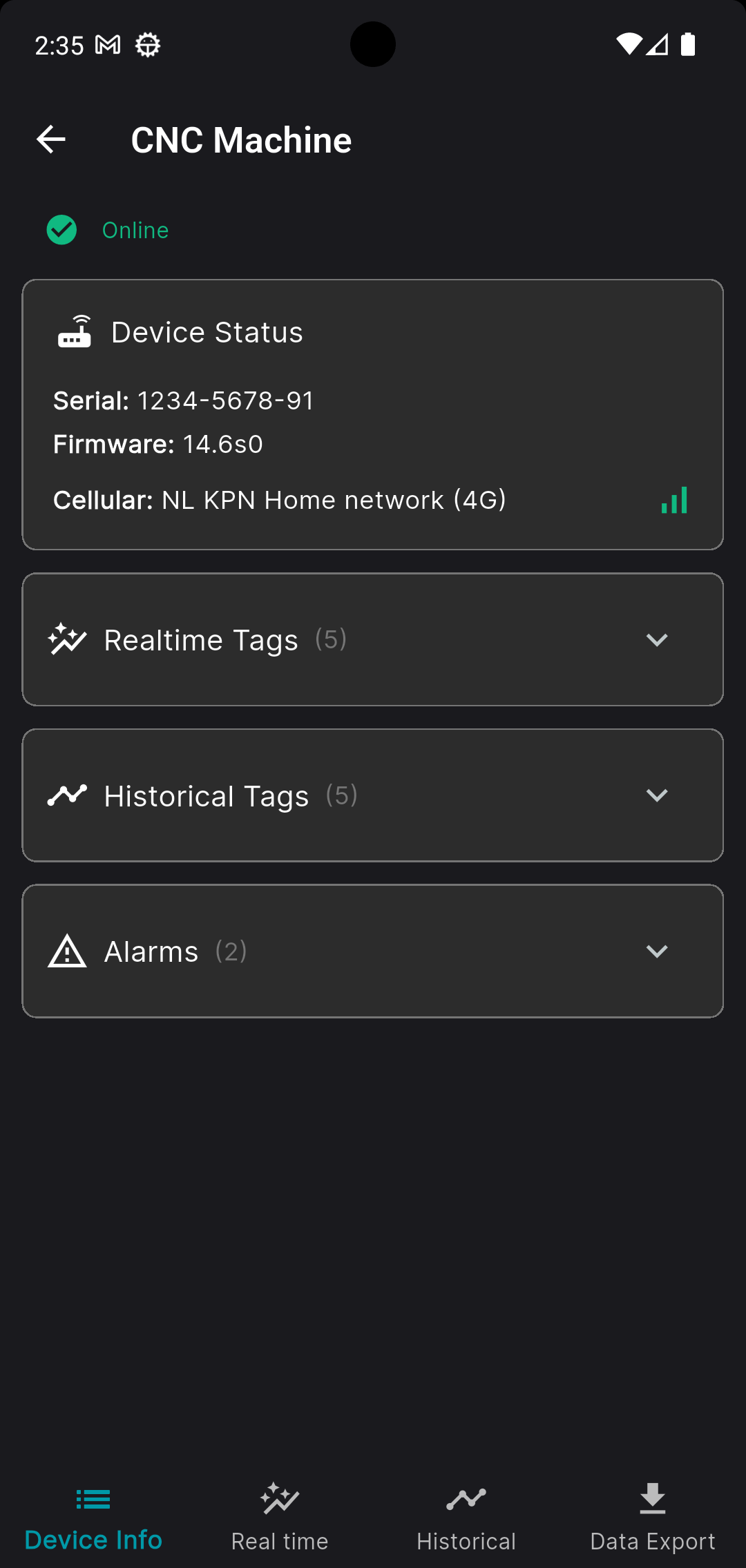
This screen shows Ewon status and available tags.
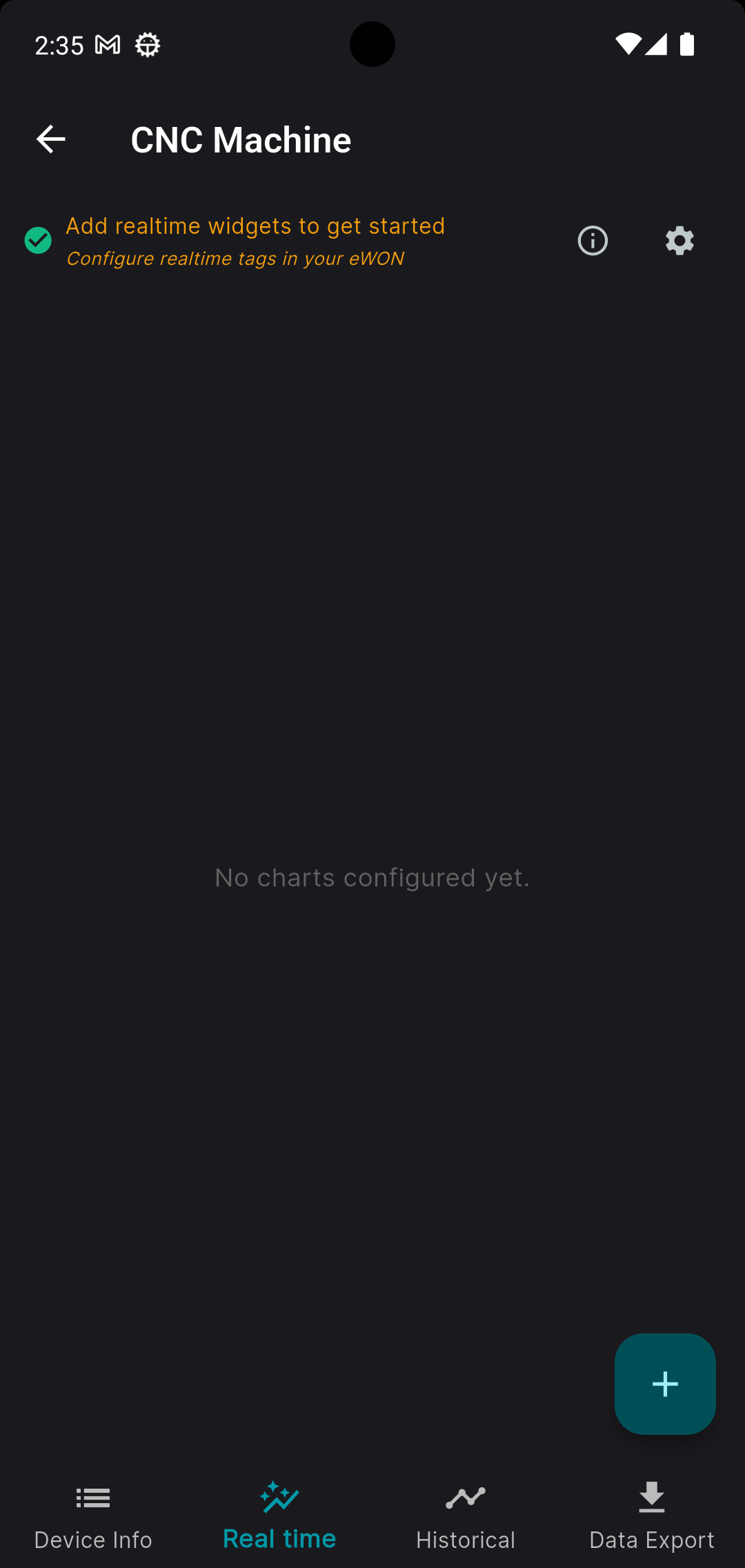
6. At first, no charts are configured yet. Click the + button to add a new chart.
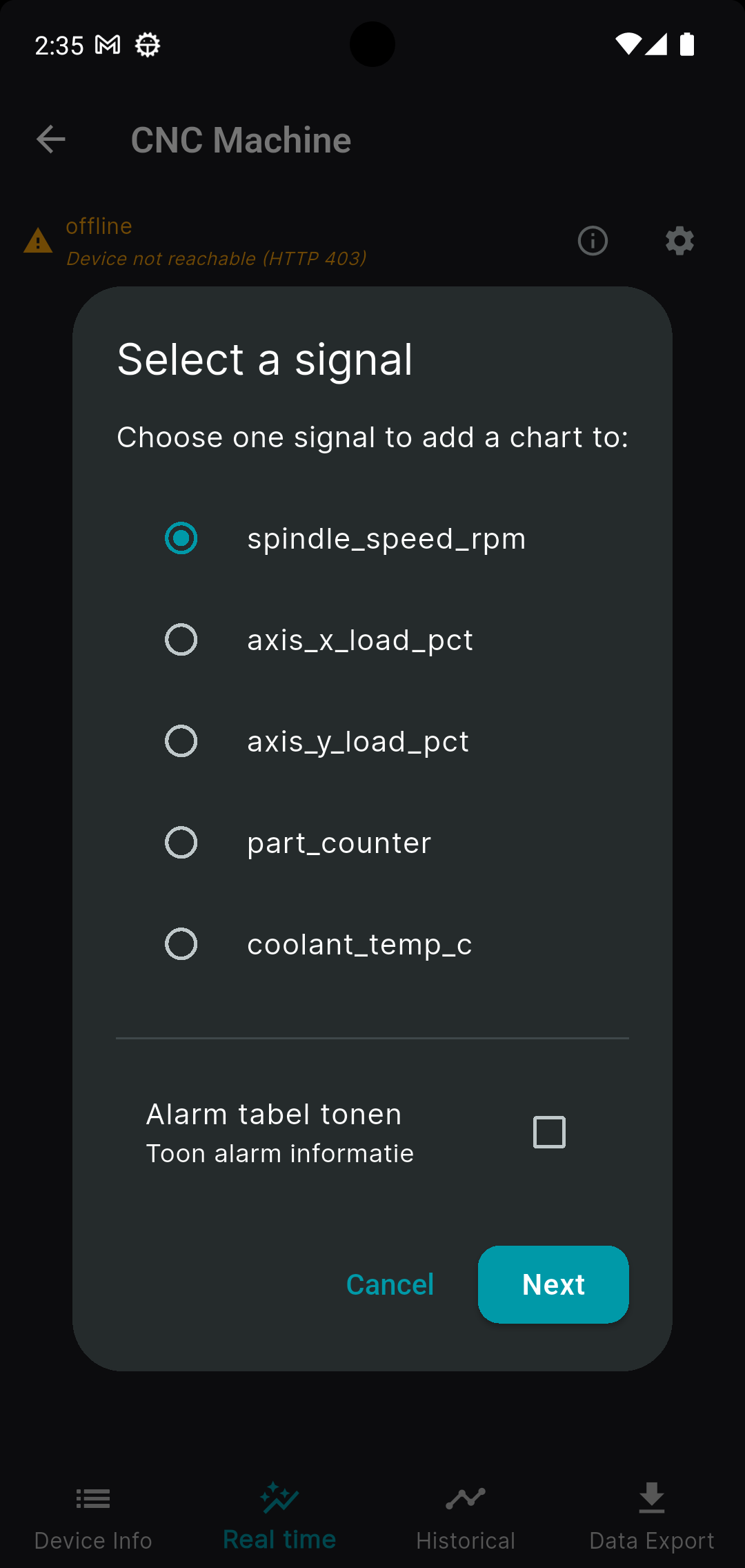
7. Select one of the tags and click Next.
8. Select Line Chart and click Update.
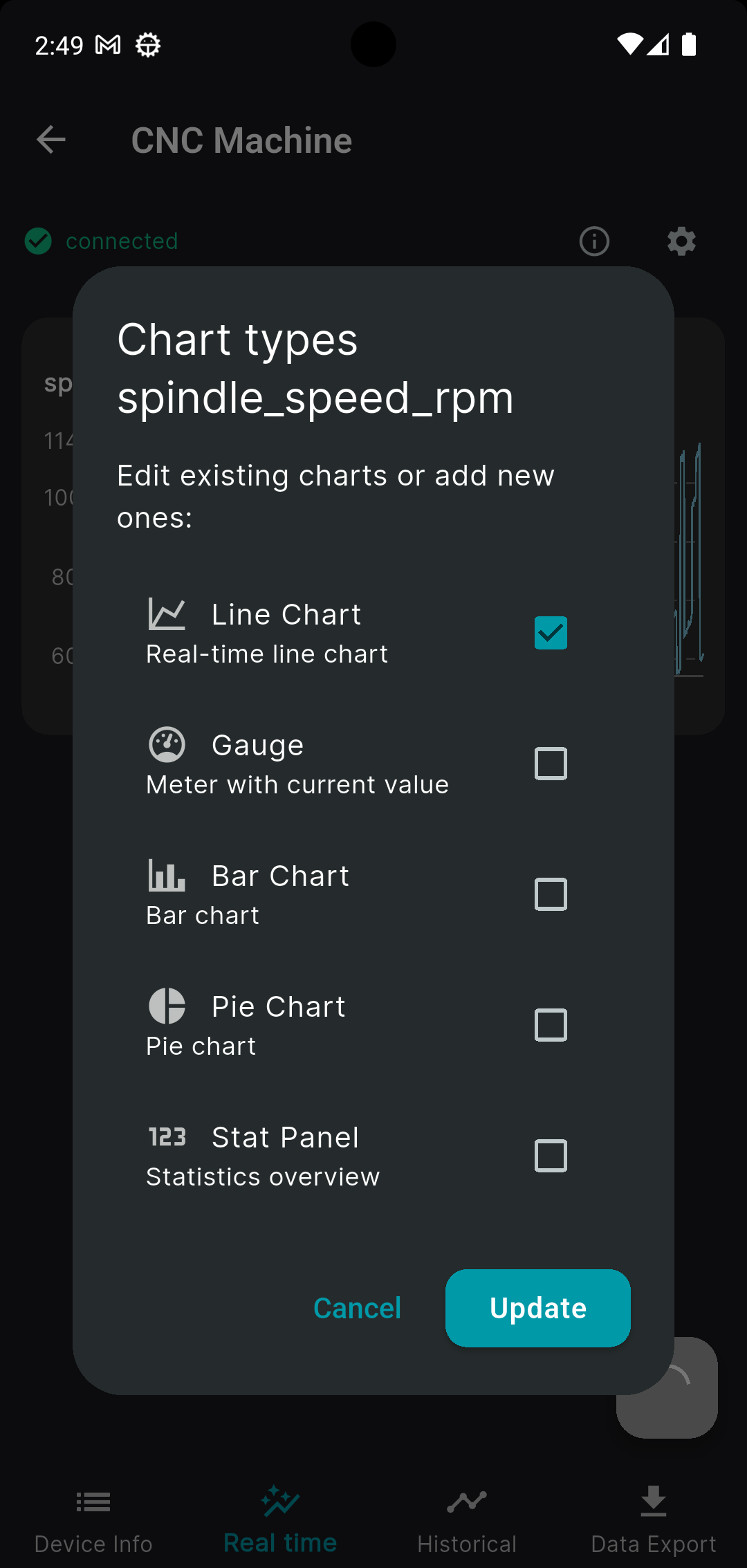
9. You have created your first real-time line chart.
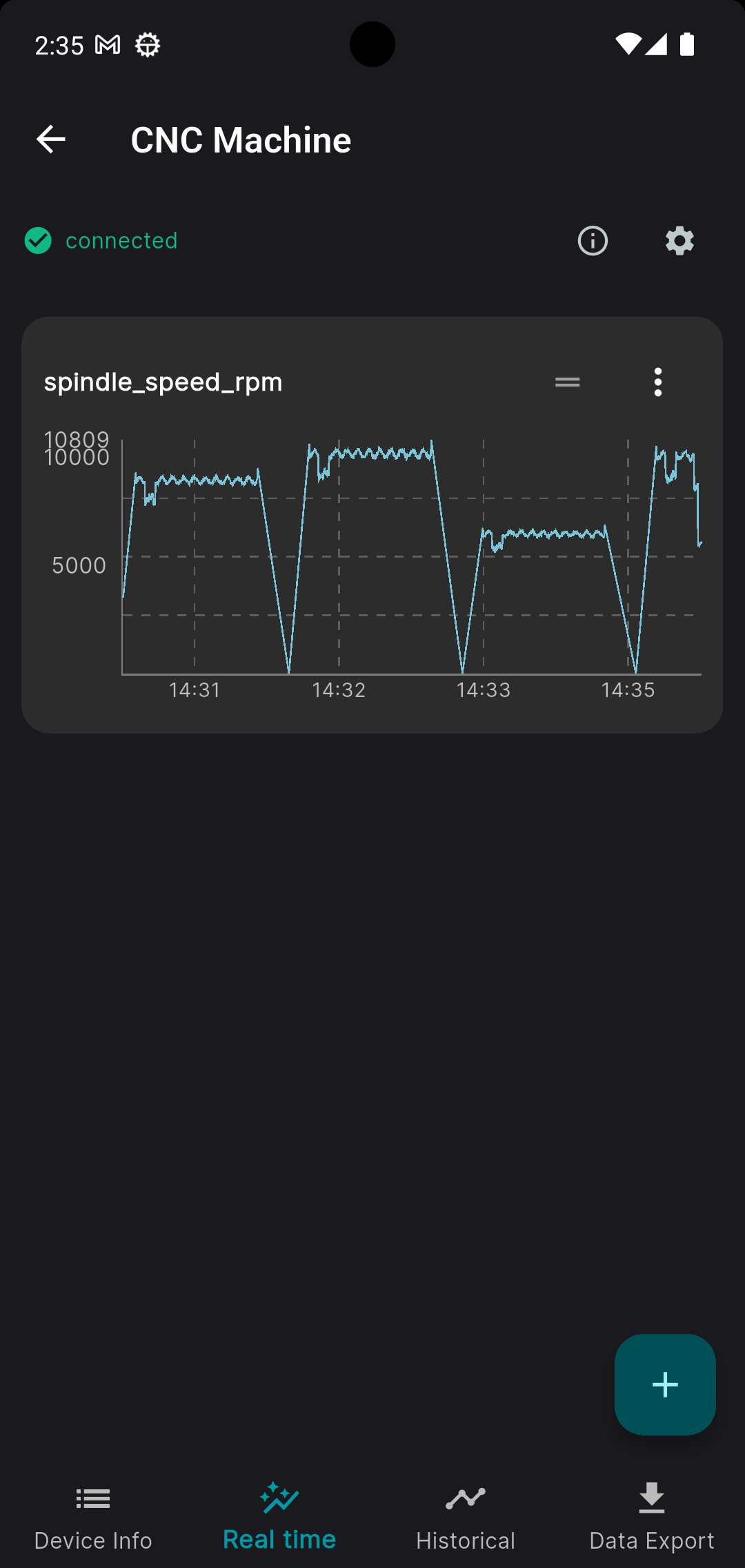
To change color, height, or other settings, use the three dots in the top-right corner of the panel. Keep your connection stable so data refreshes on time.