For industrial automation teams
You already have connectivity at the machine. DataFleet does not replace your PLC or your eWON gateway. It follows the path your data already takes— Collect → Connect → Process → Visualize—from the shop floor to the DataFleet app.
Collect
Your machine generates real-time data: tags, alarms, counters, and state. That signal is the source of truth for everything downstream—no duplicate historian required for field-ready insight.
Best fit when data already leaves the PLC toward the gateway and you want that same truth on mobile.
Connect
eWON Flexy is the secure industrial gateway between your machine and the cloud. It brings variables and machine state from the field into a path your team can use for remote monitoring.
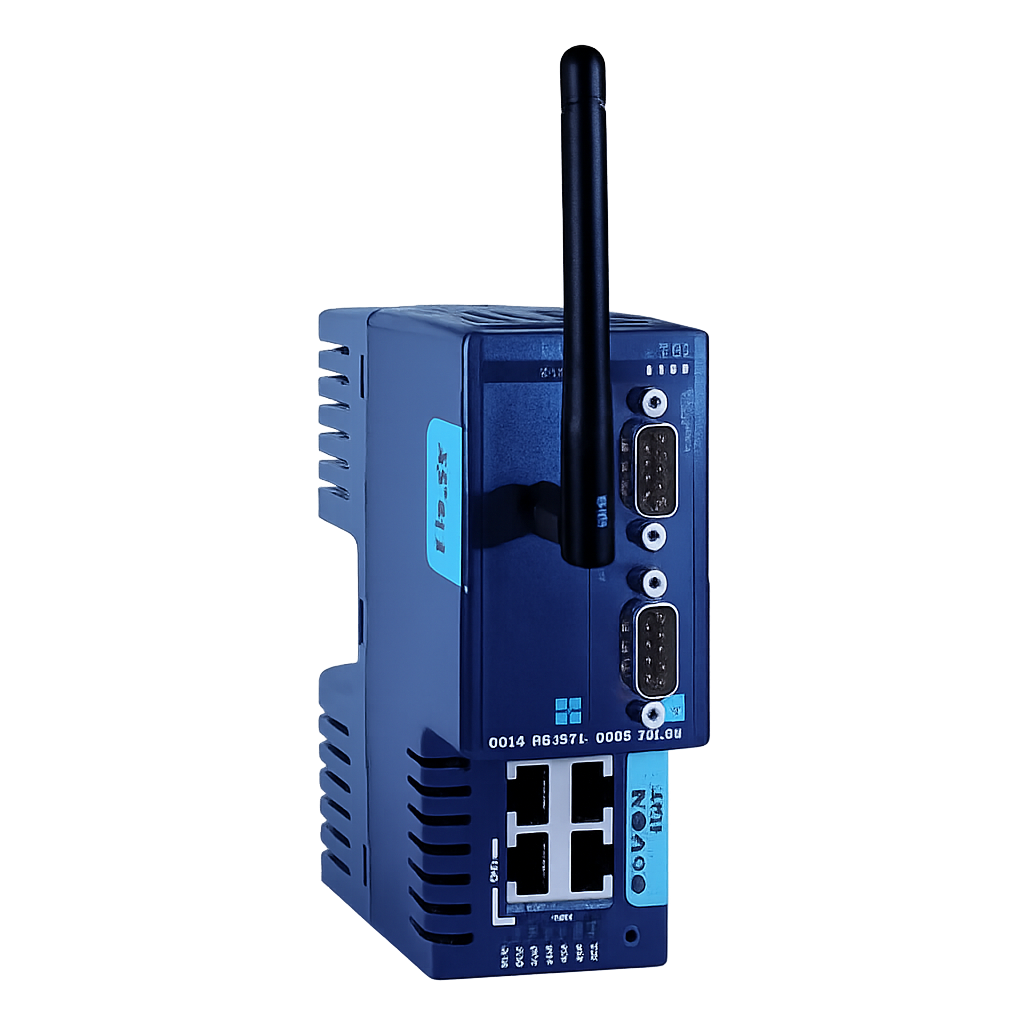
Best fit when eWON is already standard on your machines and you want one consistent way to reach your installed base.
Process
Talk2M Cloud enables secure remote access to your eWON devices. Authorized users reach the gateway.
Best fit secure data access that scales across many machines and sites.
Visualize
The DataFleet app visualizes live and historical data on your phone or tablet: build and adjust dashboards on the device—from anywhere your work takes you.
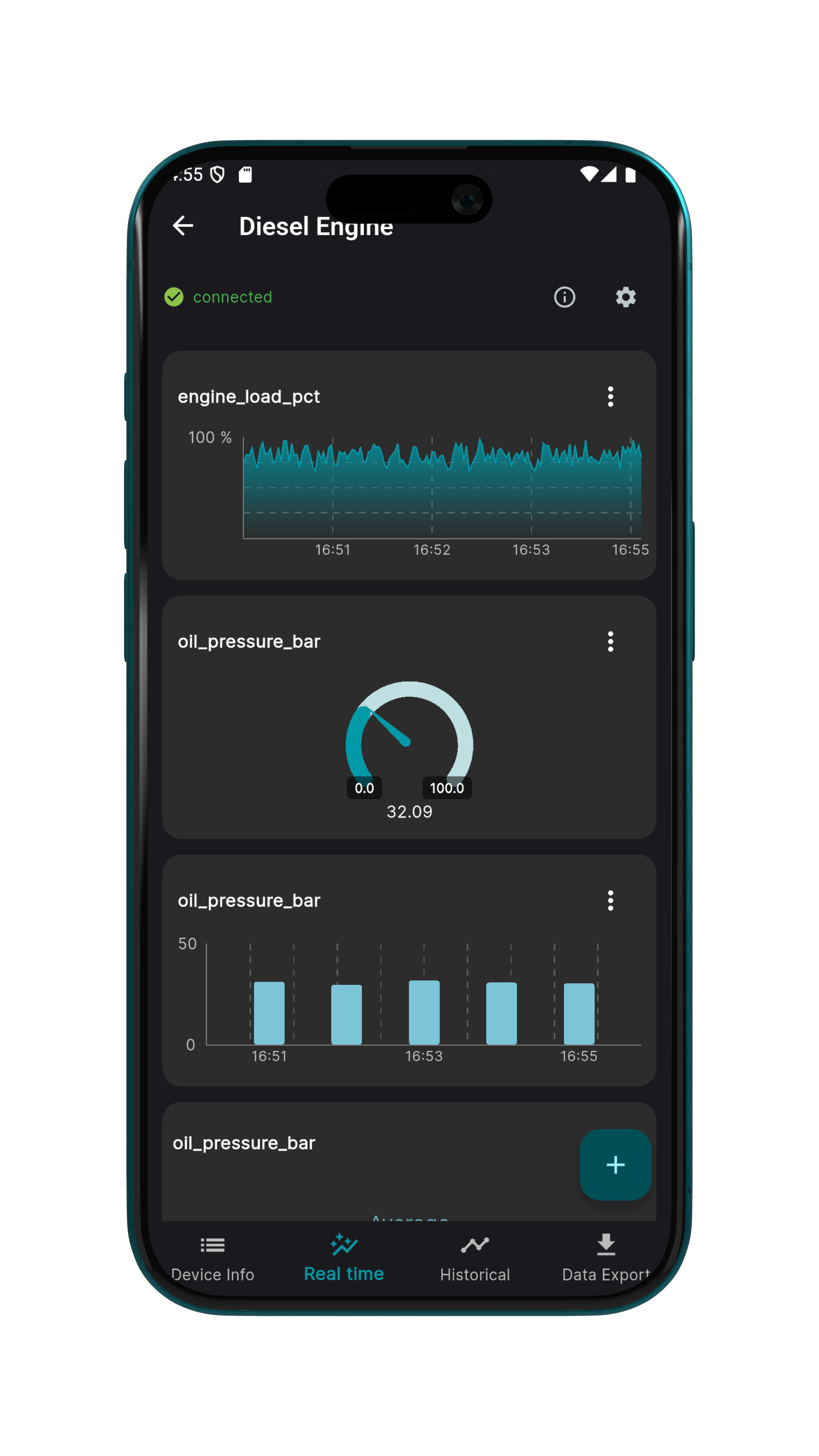
Best fit when engineers work on site or on call and need instant charts and history—not another desktop-only BI stack.
Want the full setup walkthrough? See our step-by-step guide for tags, Talk2M, and the app.
eWON data integration — protocols, security, and how eWON bridges OT and IT.